Clarity, without a connection.
The included Qwen 2.5 1.5B model answers on your computer. No cloud account, subscription or model setup needed for the included AI.
A thought, a question, a plan.
Tero comes with its AI engine and model included,
so you can keep going when the Wi-Fi stops.
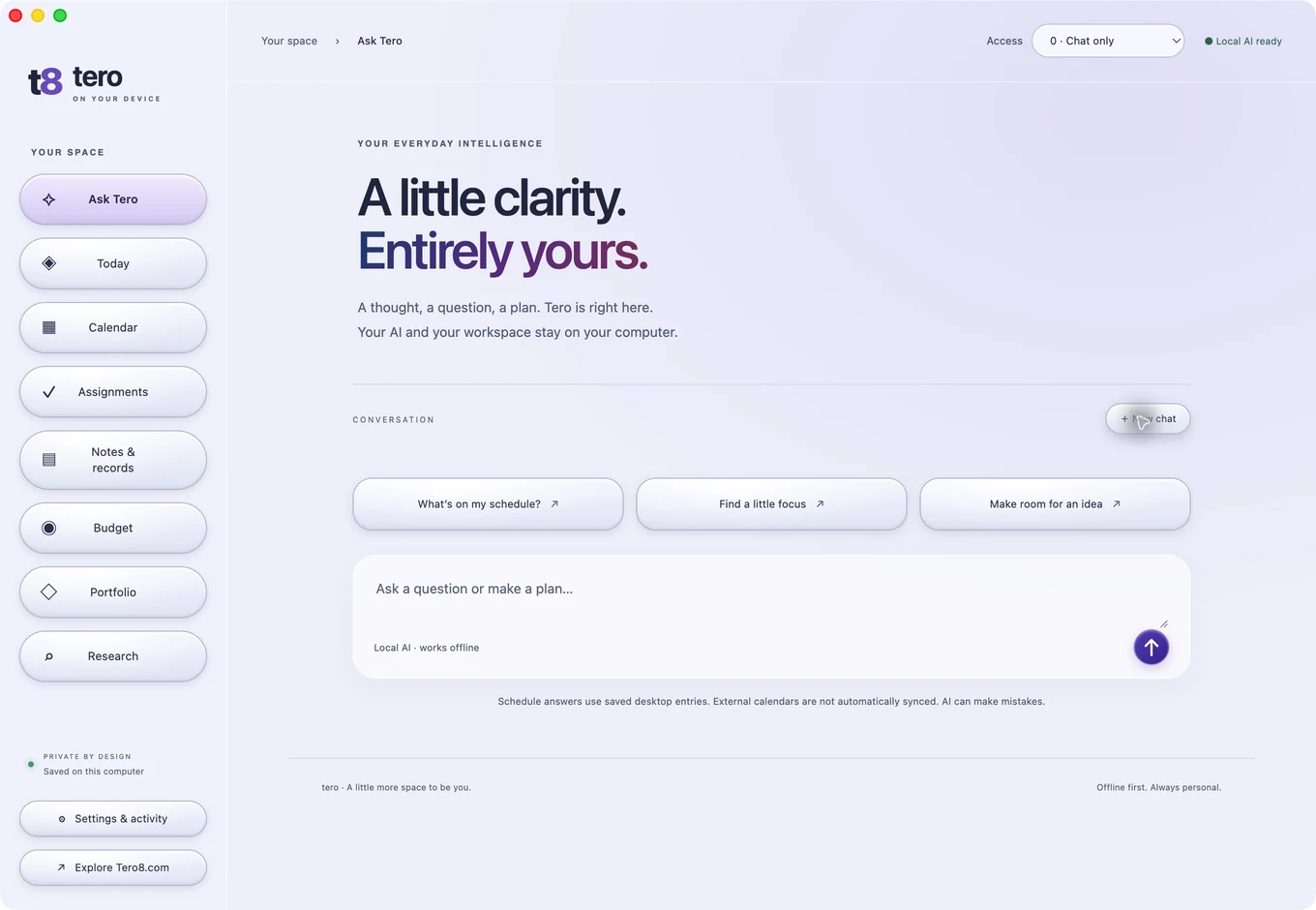
The included Qwen 2.5 1.5B model answers on your computer. No cloud account, subscription or model setup needed for the included AI.
Keep calendar entries, assignments, notes, expenses, projects and research in one private desktop workspace. Read local text, PDF and Word documents with a source shown in the answer. Import a Tero backup to bring saved entries with you.
Ask Tero to find information in downloaded Mail or help with an installed app. Mail questions and app control actions require your approval; macOS permissions stay in your hands.
Both downloads include Photo & Video Studio, Sound, The Tero Times and the on-device AI. Family Diary stays on the website.
M1, M2, M3, M4 and newer Apple Silicon Macs.
macOS 14 or later · 8 GB memory recommended.
Intel Macs running macOS 14 or later.
8 GB memory recommended · AI may respond more slowly.
Early preview · This build is not notarized by Apple. macOS may require you to approve opening it. Install only the download from this page. Windows is not available for download yet. After an update, macOS may require removing and re-adding Tero in Accessibility to refresh its permission.
Open the Tero .dmg file after it finishes downloading.
The installer window includes an Applications shortcut. Drag the Tero icon onto it.
The included AI starts automatically. Your first conversation can happen offline.
Chat with the included model, read local text/PDF/Word documents, read and edit your desktop workspace, and open installed apps. App control uses visible Mac Accessibility controls with your permission. The model and engine are inside the download; a second download is not required for the included AI.
Reading a new web page, visiting Tero8’s websites and downloading an optional larger model. Mail searches up to 40 recent downloaded messages per account Inbox, with a 160-message total limit and one-time approval; fresh mail needs your mail service. Safari page reading requires your permission and JavaScript from Apple Events to be enabled.
No. The desktop workspace is separate from your website workspace. Export your saved website entries and import the file in Tero’s Settings. Schedule answers use only the entries available in the current workspace; Tero cannot infer plans that have not been saved or imported.
It is a compact local model for everyday chat, short summaries and simple planning. It is less capable than larger hosted assistants and can make mistakes. Qwen 2.5 7B is available as an optional download for more capable computers. Saved schedule answers are assembled from calendar entries directly.
Desktop chat and workspace files stay on your computer. The app contacts a private local engine for chat. Website-reading tools fetch only the page you request. Mail questions search recent Inbox messages with your permission and process excerpts locally. Other folders and attachments are outside this search. Visible app control needs macOS Accessibility permission, and each action asks for review. At level 3, bounded Apple Music playback and Maps route/search controls can run automatically; other or consequential controls ask. Some apps expose limited controls. Maps compares visible travel estimates and verifies the active route when that information is available. Maps compares visible travel estimates and verifies the active route when that information is available. Maps needs internet for live routes and traffic. Nothing is uploaded to a Tero server by the desktop chat.
Allow at least 4 GB of free space for downloading, installing and running the included app. Memory use varies with your conversation and other apps. You can export local backups in Settings.